 Musterlist
Every charter, and everything about it, in one place.
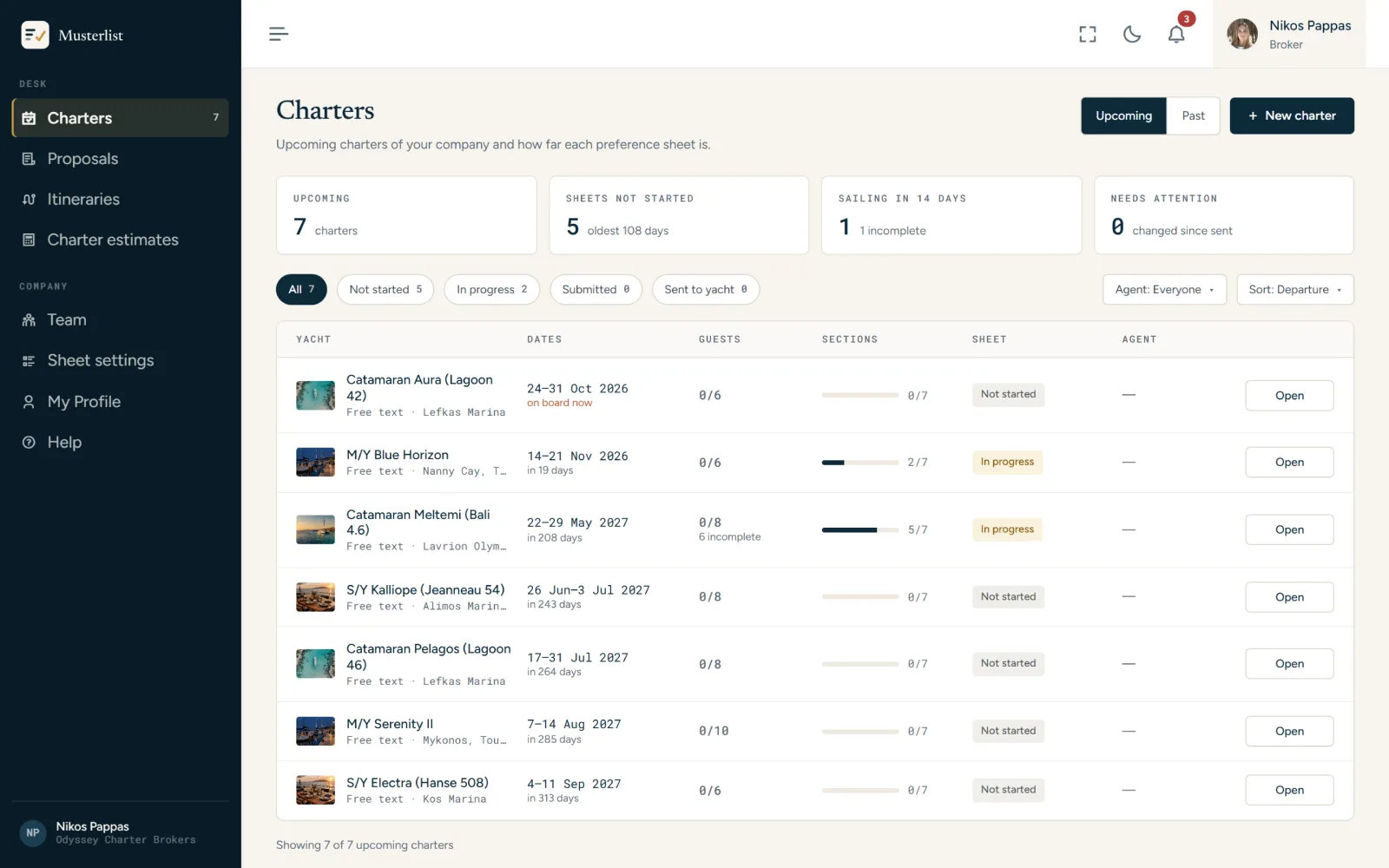
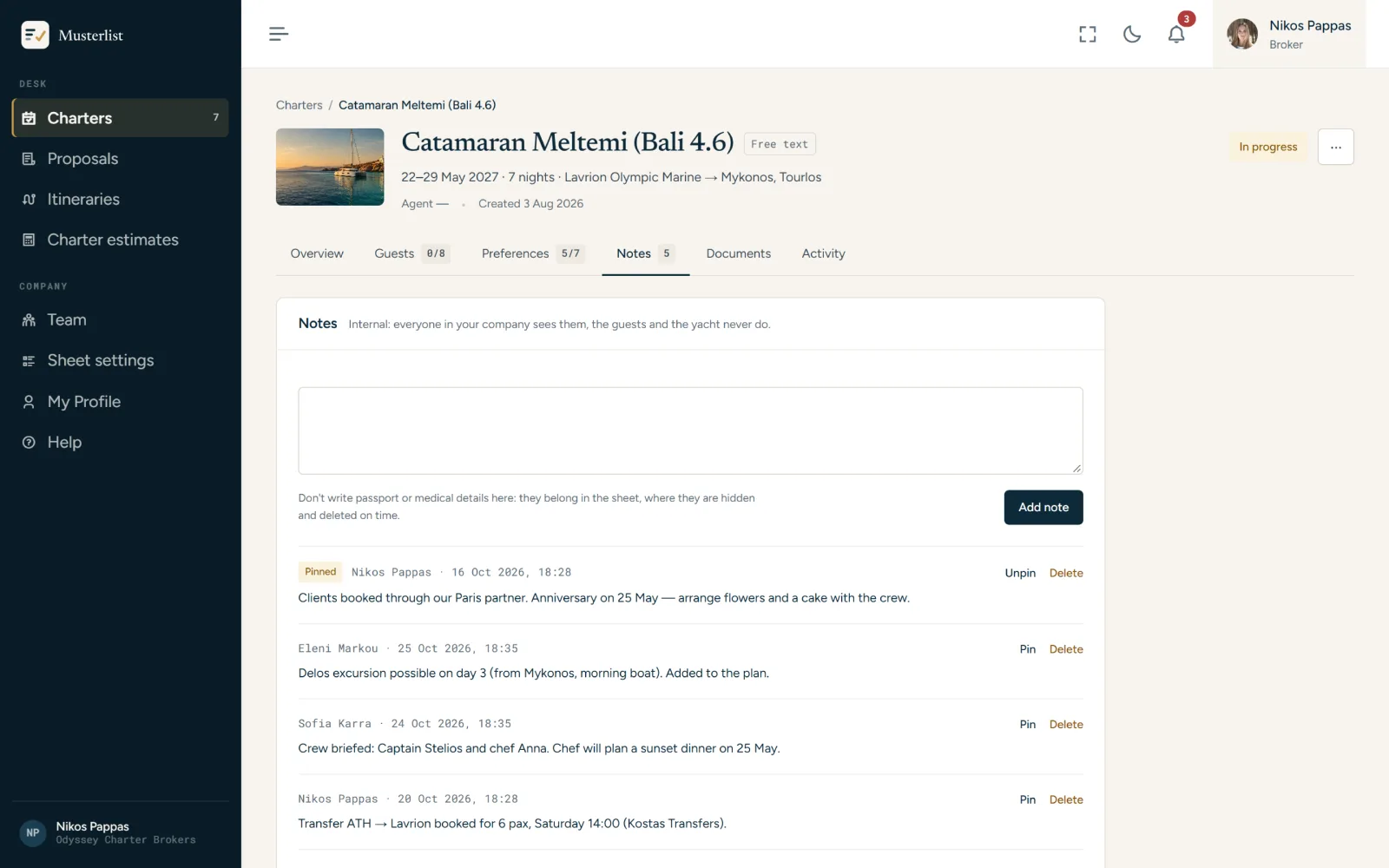
Yacht, dates, guests and lead guest. Then the preference sheet, internal notes, documents for the yacht, the yacht's manager and a record of who did what. Any yacht: type its name, or pick it from your CYA account.
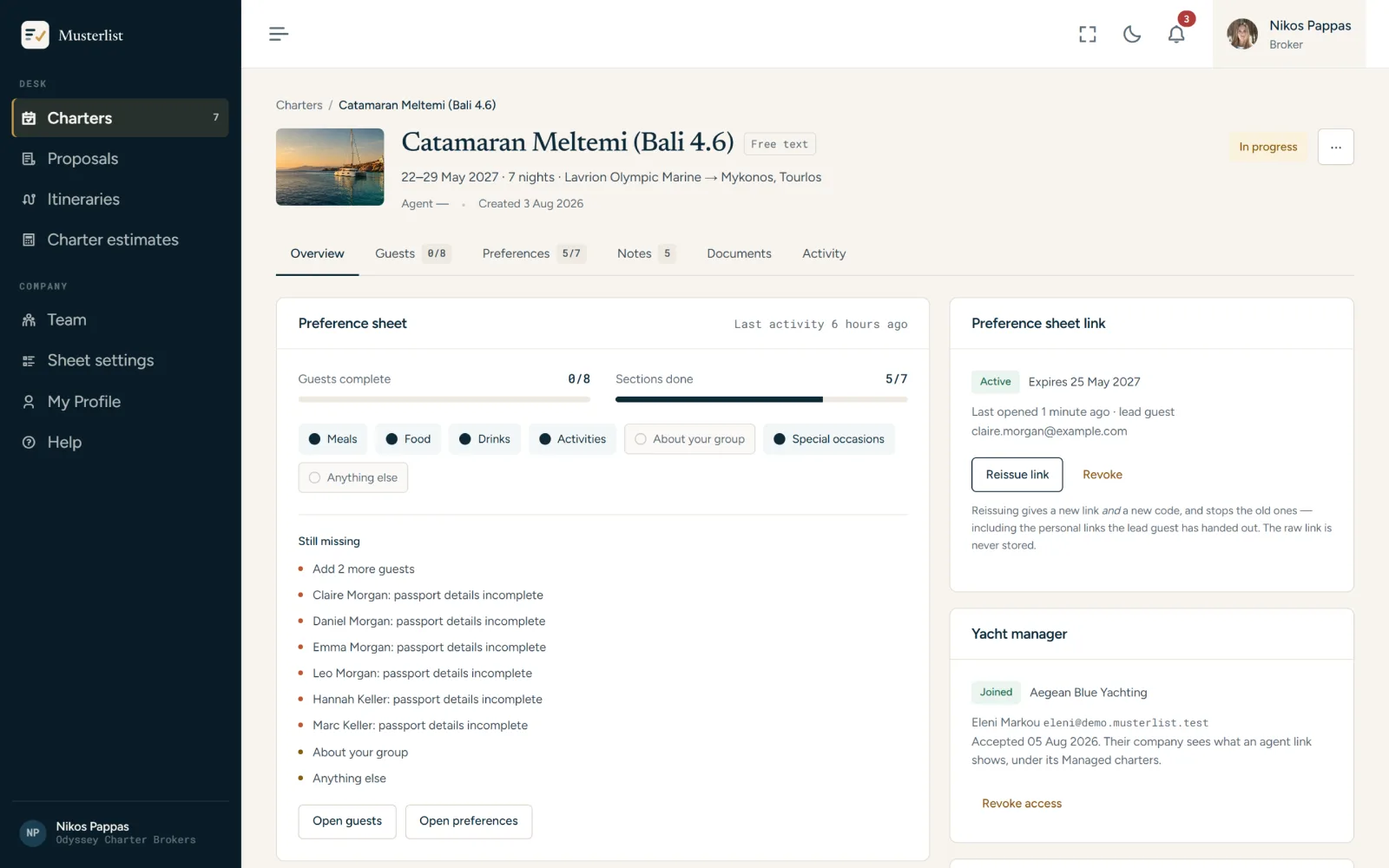
See at a glance which charter needs you.
Upcoming and past charters, with four counters on top: upcoming, sheets not started, sailing in 14 days, and changed since sent. Filter by the sheet's state or by agent.
- Dates turn red when a charter is a week away and its sheet is not in
- Guests and sections done, per charter
- Everyone in your company sees every charter; an agent is marked on each
Three short steps.
- Yacht and datesType the yacht's name, or pick it from your connected CYA account; add a photo, the dates and the ports.
- GuestsHow many are coming, and the lead guest's name, email and phone.
- ReviewCreate it with its preference sheet link, or without one for now.
Everything a charter carries.
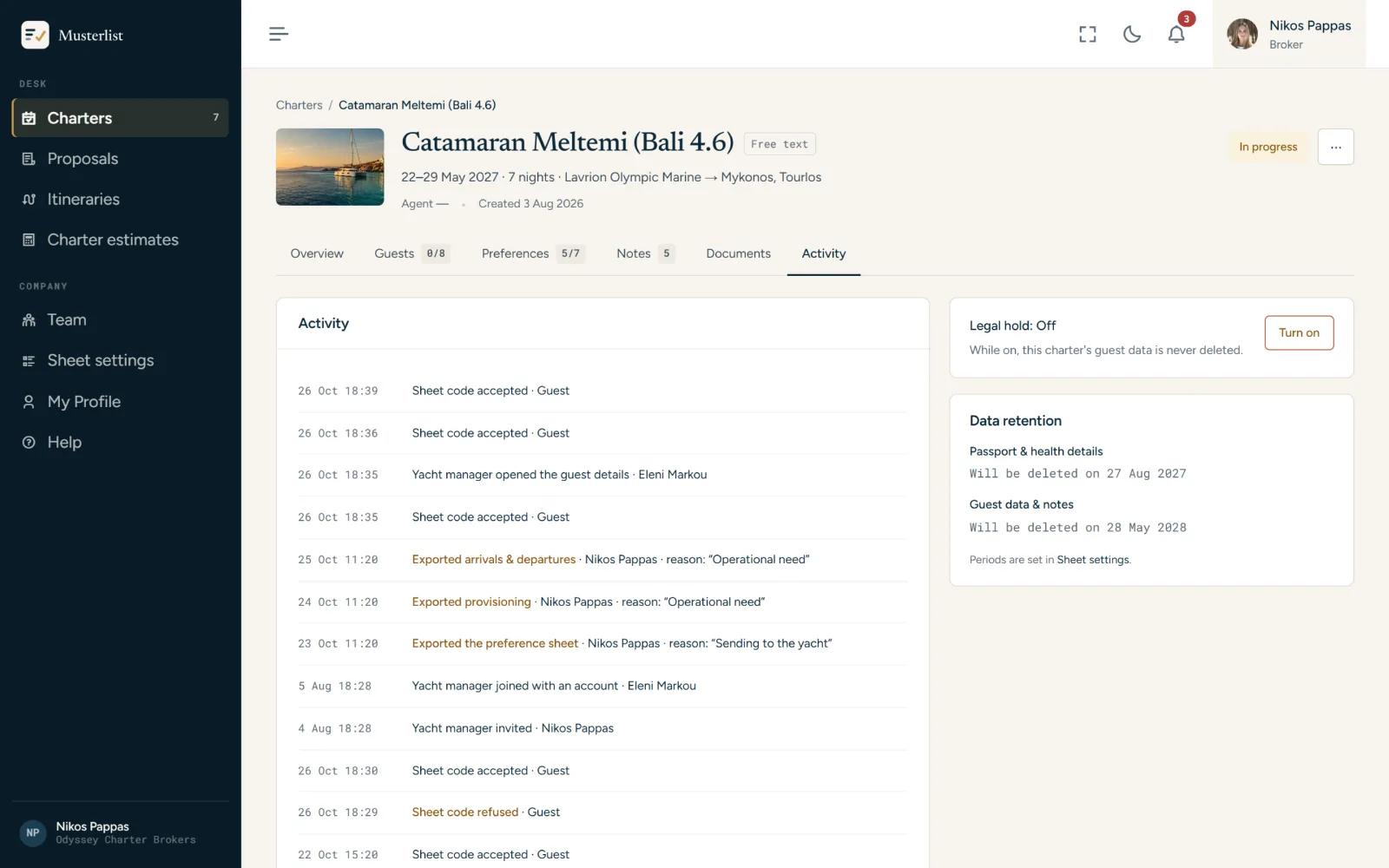
Who saw what, and why.
Every look at a passport, every export and every share is in the charter's Activity, with a name, a reason and a time. A legal hold stops the data from being deleted while a dispute is open.
Bring in the company that runs the yacht.
Invite the yacht's manager to the charter. With a Musterlist account they find it under Managed charters; without one, the link opens the guest list with a code. They see what the crew needs, never your notes or exports.
Good to know
- A charter's yacht and dates can't be changed after it is created, so check them on the review step.
- Guests add themselves on the preference sheet; you don't type them in.
- No booking system is needed: a yacht typed by name works the same as one picked from CYA.
The rest of the charter, in the same place.
Put your next charter in.
14 days free, no card. Everything in this page is in the trial.